
Bridesmaid Proposal Kit — Bride + Bridal Party Suite | Will You Be My Bridesmaid Card, Shared Planning Spreadsheet & Getting Ready Timeline
$3.25 $12.99
Details
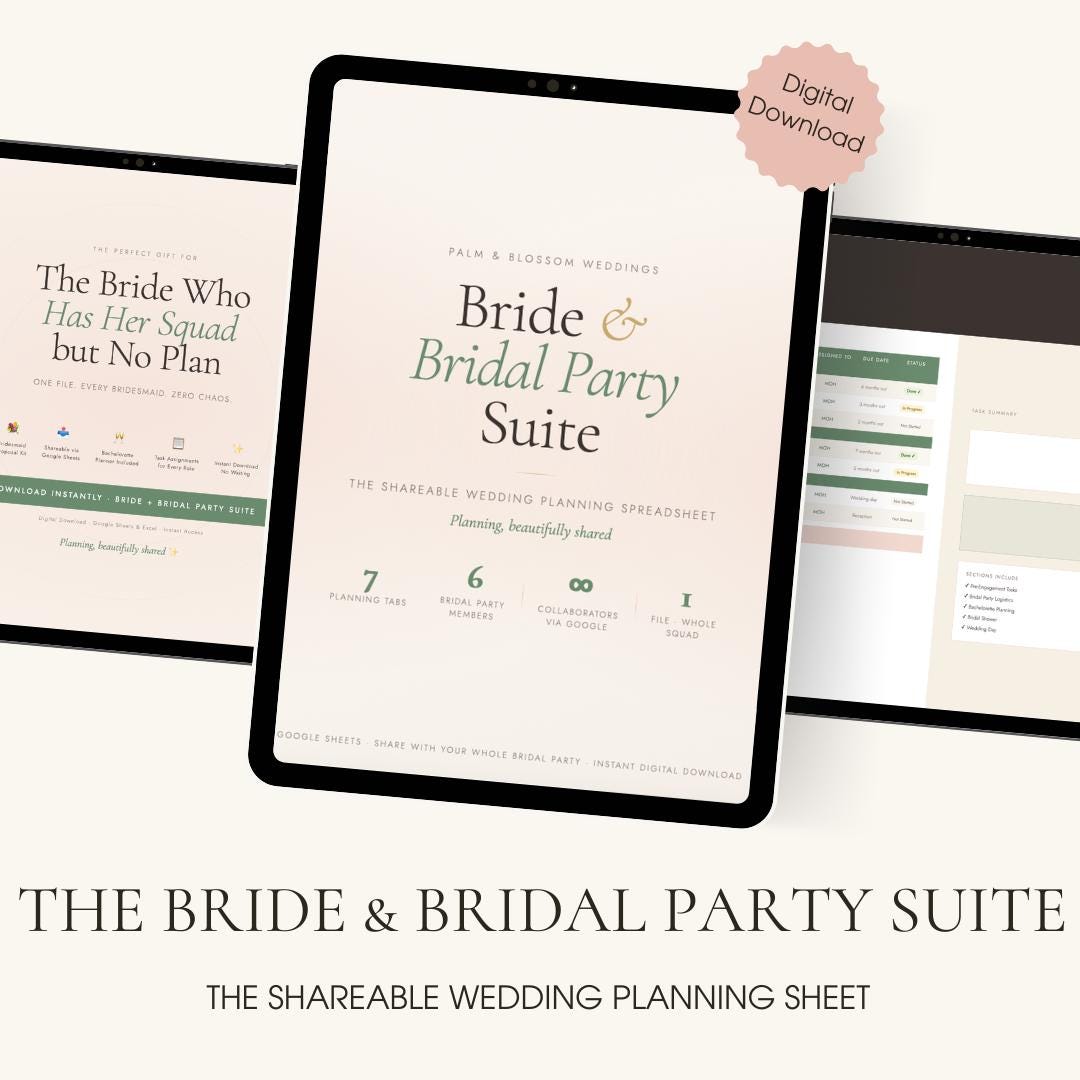
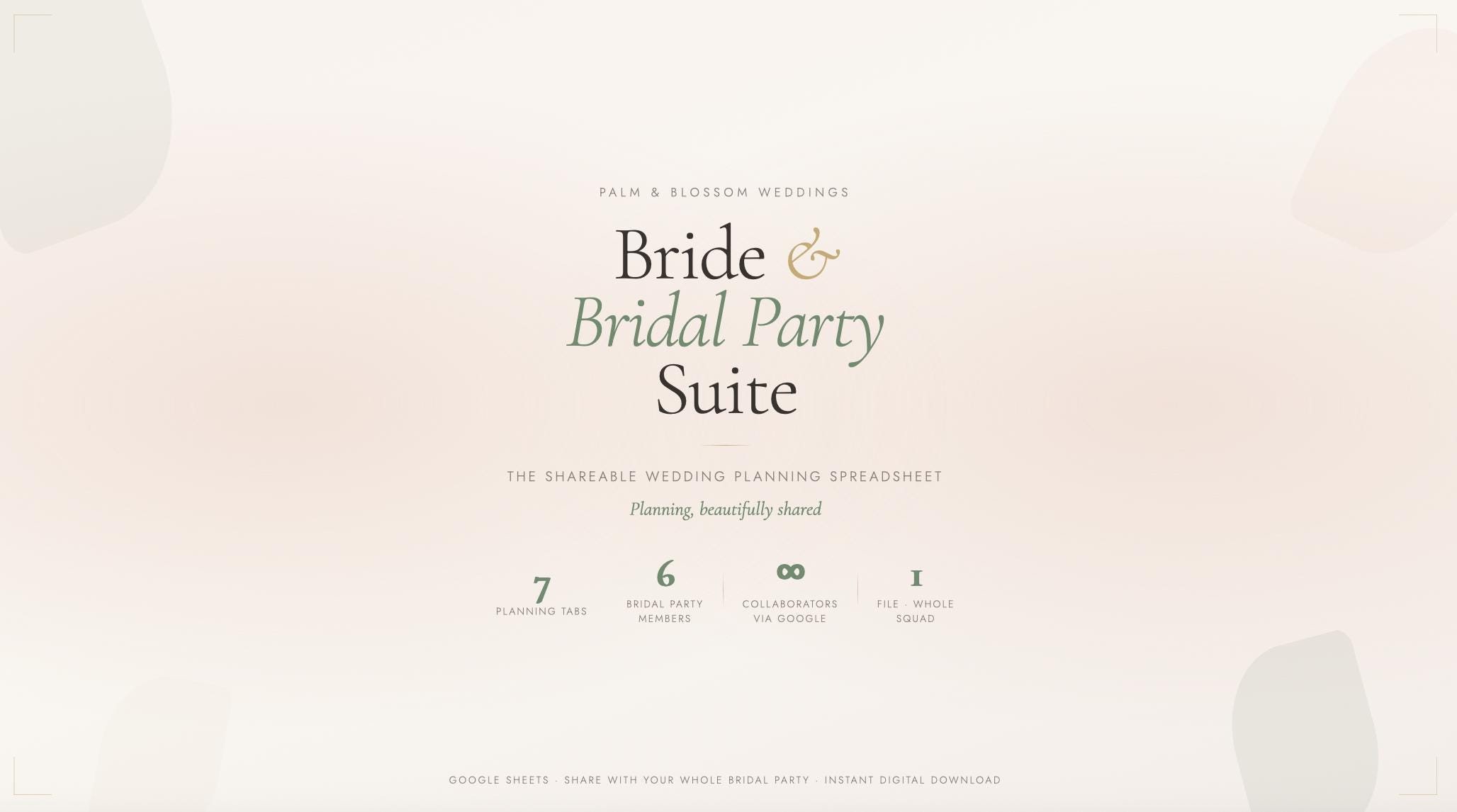
The only wedding spreadsheet built for your whole squad — not just the bride.
Download once. Share with every bridesmaid, your MOH, and your partner. Plan everything together — from the moment you ask them, through the bachelorette, all the way to getting-ready morning.
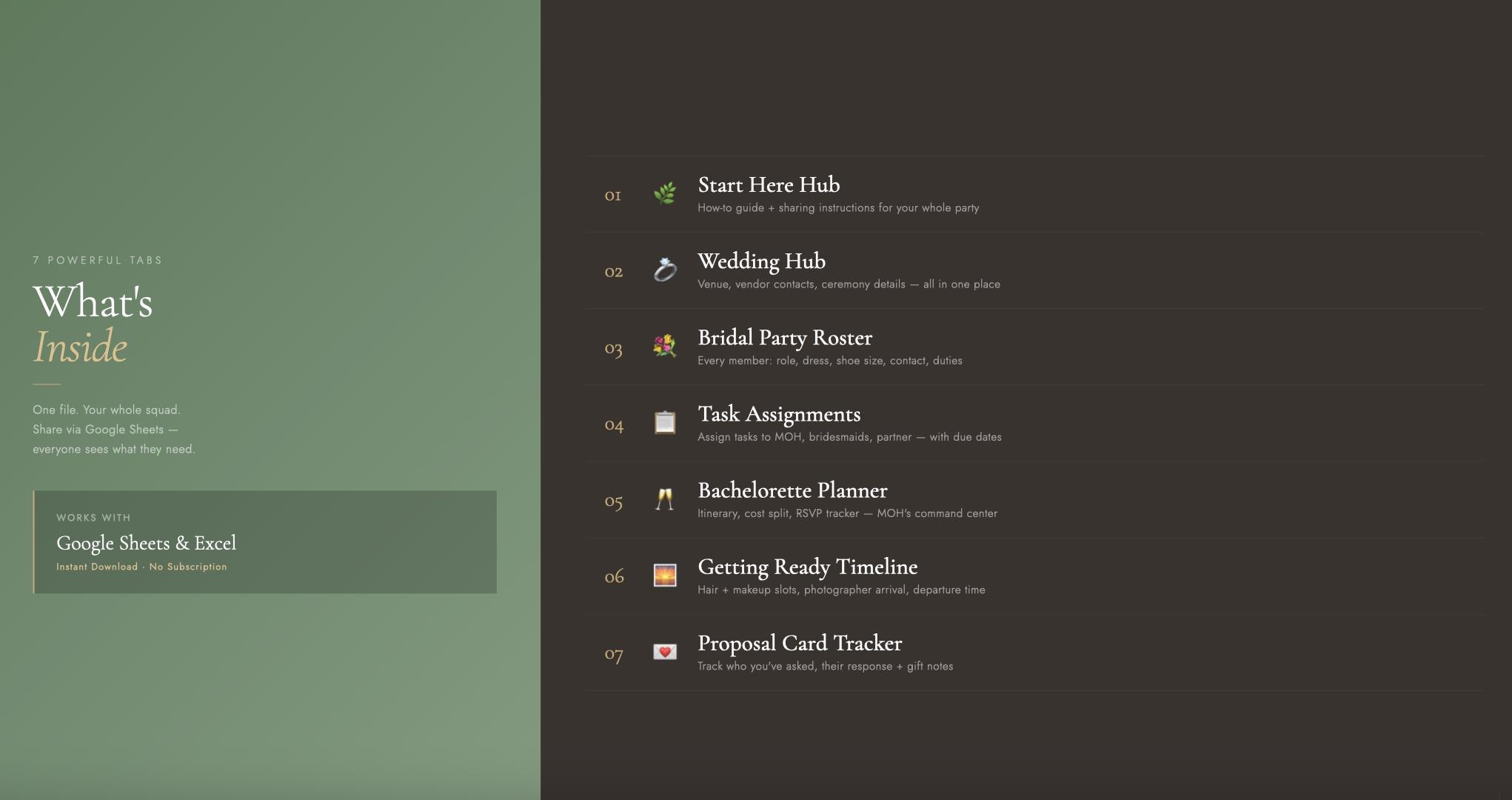
✨ What's Inside — 7 Tabs
🌿 Start Here Hub
Step-by-step instructions on how to use the file and share it with your bridal party via Google Sheets. Everything explained so you're set up in minutes.
💍 Wedding Hub
Your wedding details, venue info, ceremony time, and all key vendor contacts — all in one place. The information everyone needs, without the 47 text threads.
💐 Bridal Party Roster
Add every member of your squad: name, role, phone, email, dress color, dress style, shoe size, shirt size, and primary duty. No more chasing measurements across 6 separate DMs.
📋 Task Assignments
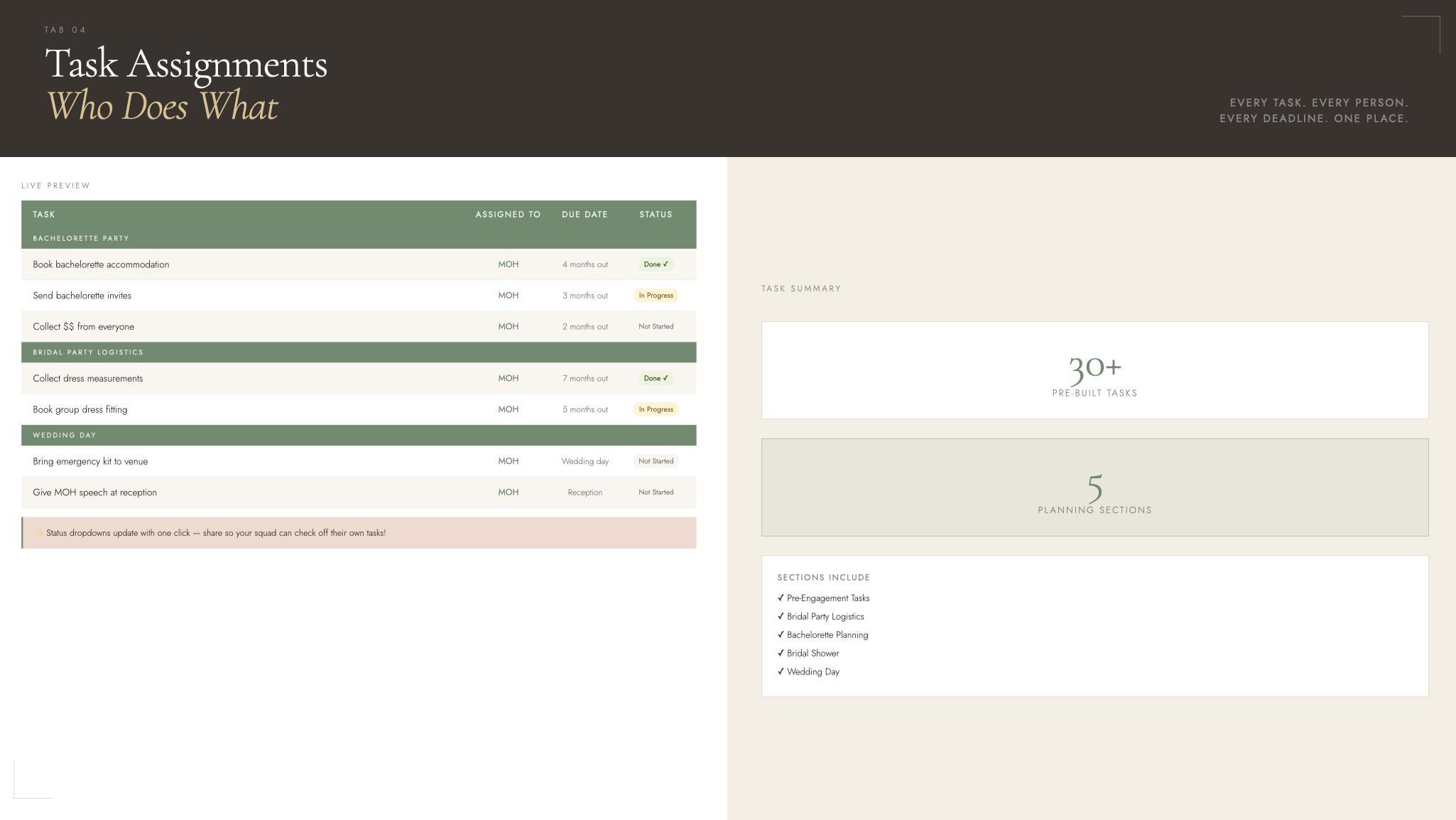
30+ pre-built tasks across 5 planning sections — assigned by name, with due dates and status dropdowns. Your MOH sees her tasks. Your bridesmaids see theirs. You see everything.
🥂 Bachelorette Planner
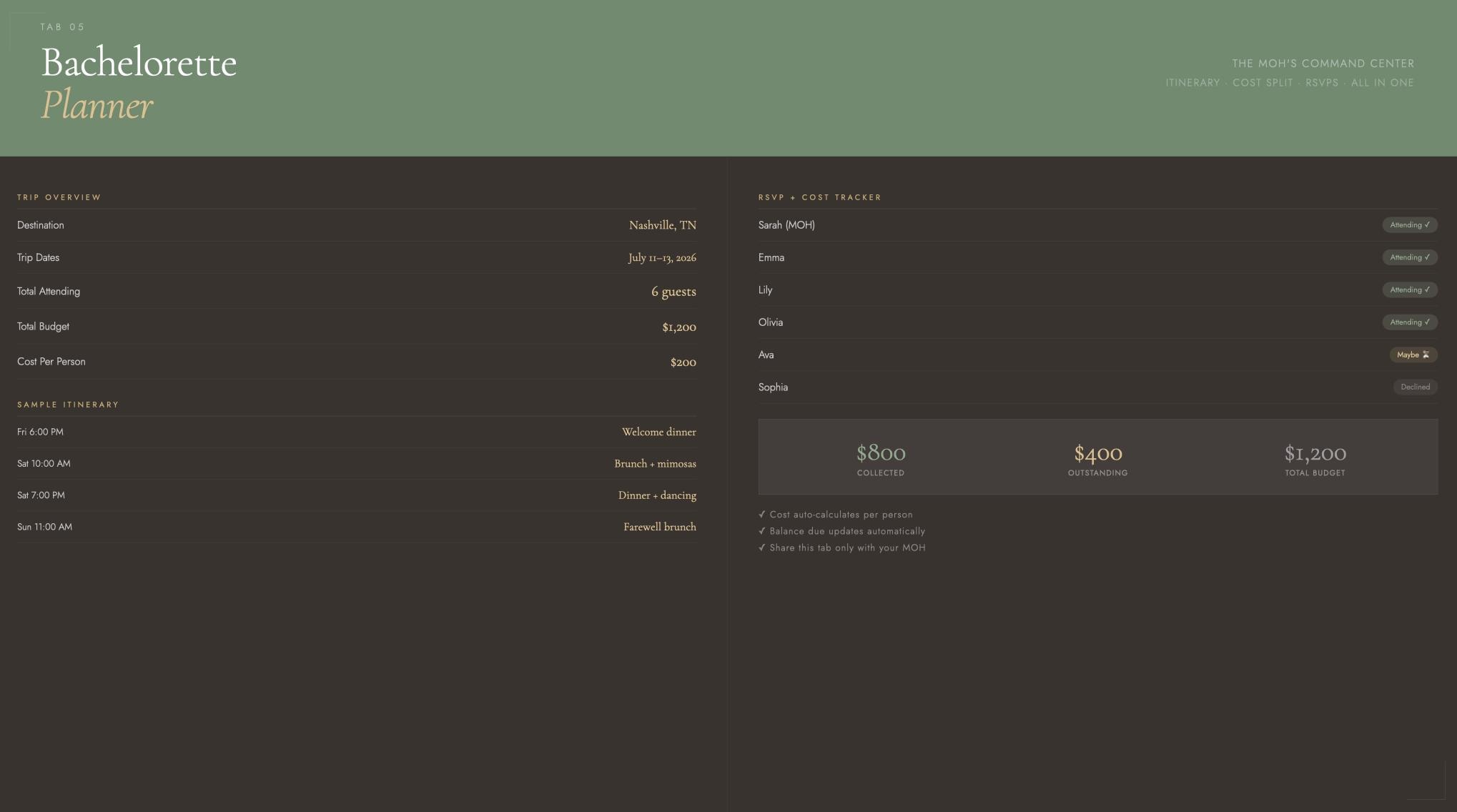
The MOH's command center. Itinerary builder, RSVP tracker, cost split calculator with auto-calculating totals, and a balance-due column that updates automatically. Share just this tab with your MOH.
🌅 Getting Ready Timeline
Assign every hair + makeup slot with start time, end time, stylist, and service type. Share with your hair and makeup artist before the day so nothing runs late.
💌 Proposal Card Tracker
Track who you've asked, how you asked them (in person, proposal box, card), their response, and the gift you gave. A beautiful record of building your squad.
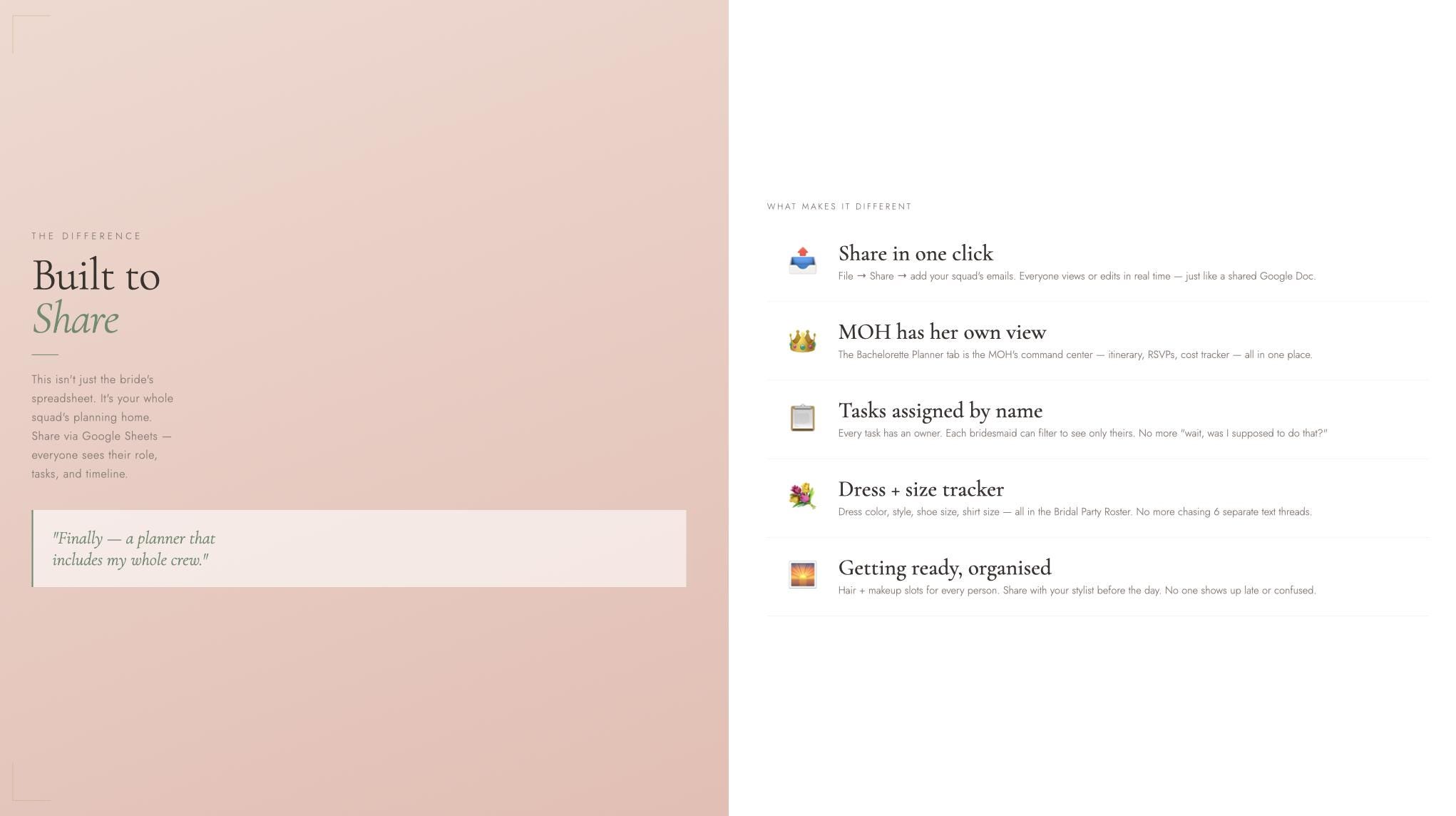
🤝 Why This is Different
Every other wedding planner is for the bride only. This one is built to share.
Open Google Sheets, click File → Share, add your bridesmaids' emails — and suddenly everyone is working from the same file. No confusion. No "wait, who was supposed to book that?" No more being the only person who knows what's happening.
Your MOH gets the Bachelorette Planner tab. Your bridesmaids see the Roster. Everyone sees their tasks. You're the one who made it happen.
📥 What You'll Receive
1 × .xlsx file (opens in Google Sheets AND Microsoft Excel)
Instant download — available immediately after purchase
Works on Mac, PC, iPhone, and Android
No subscription, no software needed
💌 How to Use as a Bridesmaid Proposal Gift
Download → open in Google Sheets → add your bridesmaid's name and role to the Roster tab → share the link with her. She opens it and sees she's already in the plan. That's a proposal moment she'll remember.
Pair with a proposal box, card, or personalised gift to make it extra special.
🌿 About Palm & Blossom
We build digital planning tools for brides who want to feel organised, not overwhelmed. Every product in our shop is designed with the same intention: give you the structure so you can focus on the joy.
Questions? Message us anytime — we respond within 24 hours.
⭐ Note on Reviews
We're a small shop and every review means the world to us. If you love your Suite, a kind word helps other brides find us too.
bridesmaid proposal
bridesmaid proposal card
will you be my bridesmaid
maid of honor gift
bridal party planner
bridesmaid info card
bridal party gifts
bridal party getting ready
bridesmaid gift
wedding party planner
groomsmen proposal
digital download
google sheets template
wedding must haves
© Palm & Blossom Weddings & Events — for personal use only. Not for resale or redistribution.
Digital downloads
Your files will be available to download once payment is confirmed.
Frequently Asked Questions
Is this a physical product?
No, love! This is a 100% digital product. Nothing will be shipped to you. After purchase, you'll receive instant access to your wedding planning portal digitally. 📲
How do I access my portal after purchasing?
You'll receive an email with your access link immediately after your purchase is confirmed. Simply click the link and you're in! If you don't see it, check your spam folder and feel free to message us.
What devices can I use this on?
Your portal is fully accessible from any device — your phone, tablet, laptop, or desktop. Plan on the go or cozy up with your laptop at home, whatever works best for you! ✨